Getting started
After installing and licensing the plugins, configure ARRI Core before adding fixtures and cameras.
ARRI Core settings
Open Edit > Project Settings > Plugins > ARRI Core.
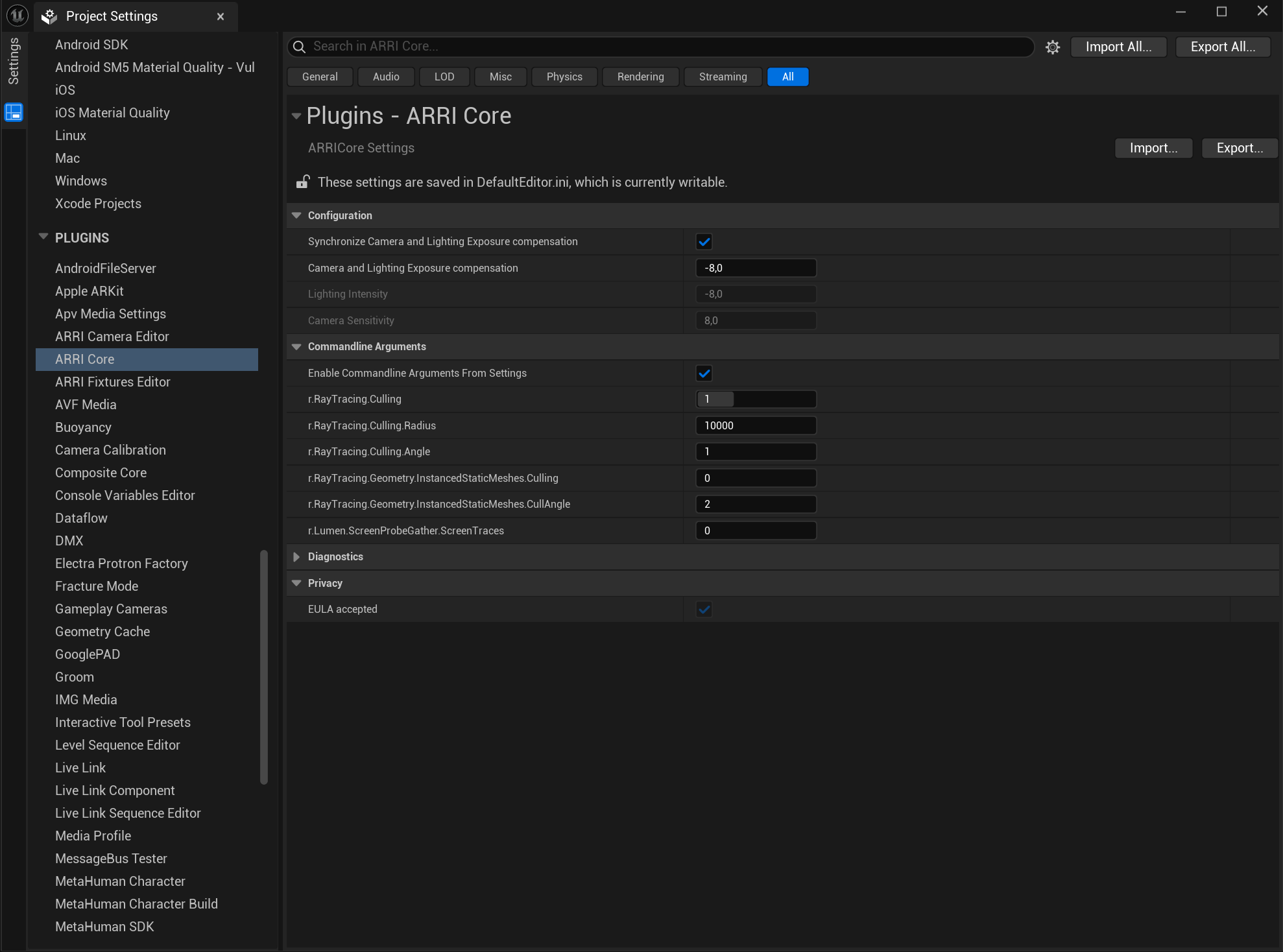
Synchronize Camera and Lighting Exposure Compensation
This setting ensures that light emitted by LUKA fixtures is picked up correctly by the LUKA camera. Disabling it allows you to adjust fixture brightness independently of camera sensitivity.
Warning
When synchronization is disabled, the virtual cameras and fixtures no longer behave like their physical counterparts.
Camera and Lighting Exposure Compensation
At zero stops, the fixtures and cameras use physically correct exposure values. Fixtures may appear extremely bright in an existing Unreal Engine scene, and LUKA cameras may be relatively insensitive to native Unreal Engine lights.
The default is −8 stops. This allows LUKA fixtures and cameras to integrate into existing scenes while maintaining physical consistency relative to each other.